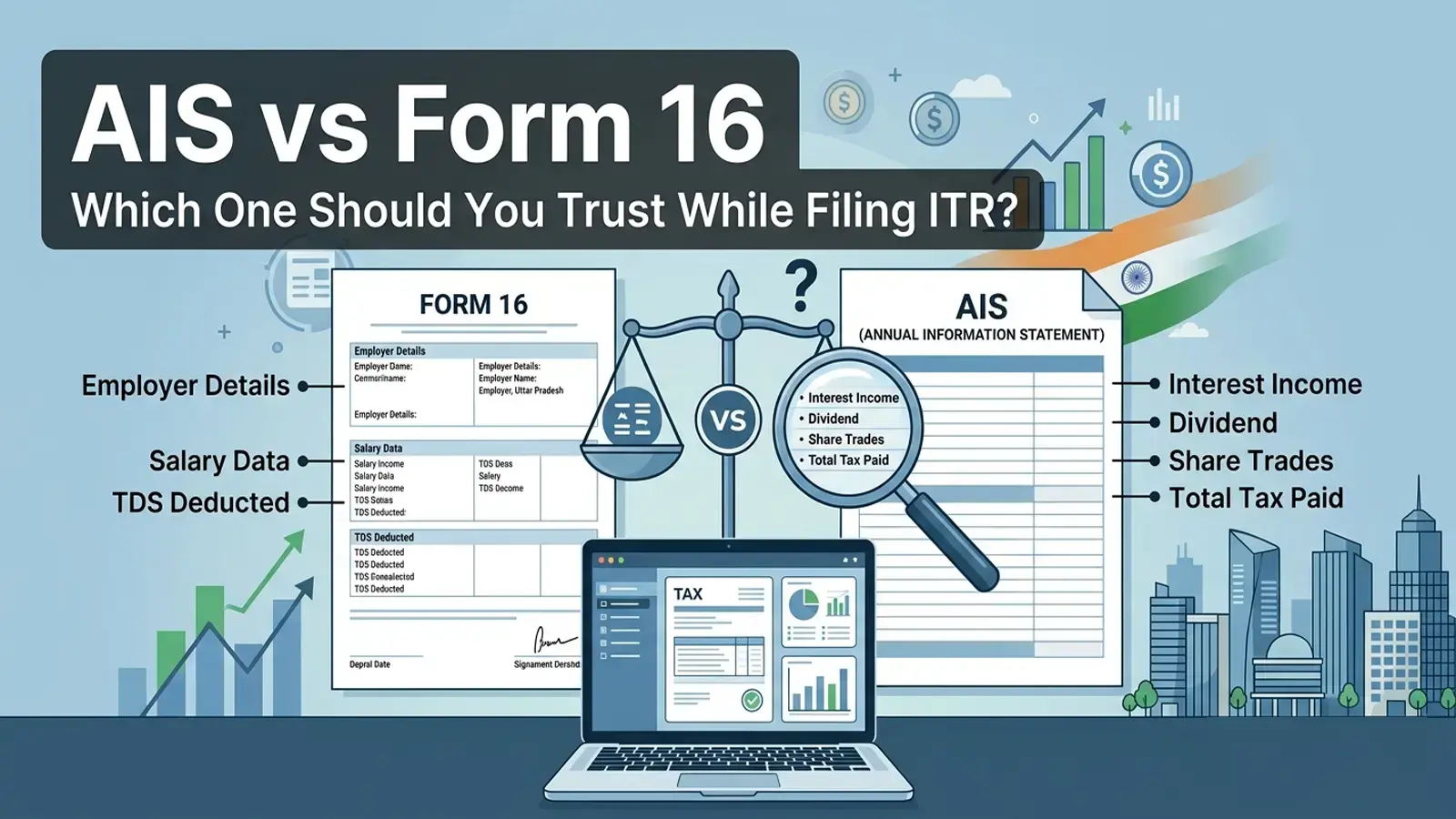
Quick answer: Both AIS (Annual Information Statement) and Form 16 are important for filing your ITR, but they serve different purposes. Form 16 is your employer's official TDS certificate — it is the primary document for salaried income. AIS is the Income Tax Department's own view of your financial activity across the year, sourced from multiple reporting entities. If they differ, you must reconcile both before filing. Neither one alone is "complete."
This article is for educational purposes only. Tax rules change with each Finance Act and CBDT circular. Always verify information at incometax.gov.in and consult a qualified Chartered Accountant (CA) when making actual filing decisions.
When July approaches and ITR filing season opens, most salaried employees in India open two documents: Form 16 from their employer and the Annual Information Statement from the income tax portal. Very often, the numbers don't match — and that creates genuine confusion.
Which one is right? Which one should you enter in your return? Do you have to explain the gap?
This guide answers those questions plainly, without jargon, so you can file your AY 2026-27 return with clarity.
What Is AIS?
AIS stands for Annual Information Statement. The Income Tax Department introduced it in November 2021, and it expanded upon the older Form 26AS. Both Form 26AS (under Section 203AA) and AIS (under Section 285BB) remain active on the portal — AIS covers a broader set of financial transactions than Form 26AS.
You can access AIS by logging into the income tax e-filing portal (incometax.gov.in), going to "Services" and then clicking "Annual Information Statement."
What AIS shows:
- Salary income reported by your employer
- TDS deducted on salary (from the employer's TDS returns — Form 24Q)
- Interest income from savings accounts, fixed deposits, and recurring deposits
- Dividend income from mutual funds and stocks
- Proceeds from sale of securities, mutual fund units, or property
- Rent received (if any third party reported it)
- GST turnover (for business owners)
- Foreign remittances received or sent
- Information from banks, mutual fund houses, brokers, registrar offices, and other reporting entities
In short, AIS is the government's 360-degree picture of your financial life, built by collecting data from every entity that is legally required to report to the tax department.
What AIS does not always show correctly:
AIS depends on third parties — banks, employers, brokers — to report accurate data. If a bank enters the wrong PAN, your interest income shows up in someone else's AIS (or shows up twice in yours). If your employer filed a revised TDS return, the old and new figures may both appear temporarily. AIS is a reporting aggregation tool, not an error-free document.
Form 16 is a TDS certificate issued by your employer under Section 203 of the Income Tax Act. It is split into two parts:
Part A is generated by the Income Tax Department's TRACES portal after your employer files their quarterly TDS returns (Form 24Q). It shows:
- Your employer's TAN and PAN
- Your PAN
- The total tax deducted from your salary each quarter
- The amount deposited with the government
Part B is prepared by your employer. It shows:
- Your gross salary
- Allowances and perquisites
- Deductions under Chapter VI-A (80C, 80D, HRA, etc.)
- Net taxable income under whichever regime you declared
- Total TDS deducted
Form 16 is your primary salary document. It is signed by your employer, and your employer bears legal responsibility for its accuracy under the Income Tax Act.
What Form 16 does not cover:
Form 16 only covers salary income and the TDS your employer deducted. It says nothing about:
- Interest from your personal bank accounts
- Dividend income
- Capital gains from selling stocks or mutual funds
- Freelance income or rental income (if any)
| Factor | AIS | Form 16 |
|---|
| Issued by | Income Tax Department (auto-generated) | Your employer |
| Legal basis | Section 285BB of the Income Tax Act | Section 203 of the Income Tax Act |
| Covers | All income types across the year | Salary income only |
| TDS shown | TDS from all sources (salary, bank, broker) | Only TDS on salary |
| Deductions | Not shown (no 80C, 80D details) | Shows all declared deductions |
| Tax regime | Not shown | Shows old or new regime declaration |
| Accuracy | Depends on reporting entities — can have errors | Employer's responsibility — generally reliable for salary |
| When to use | To check all income, cross-verify TDS credits | To fill salary income and Chapter VI-A deductions in ITR |
| Updatable | Yes — you can flag errors via the portal | No — only employer can issue a revised Form 16 |
| Available from | incometax.gov.in → AIS tab | Your employer (usually by June 15 each year) |
This is the question that causes the most anxiety during filing season. Here are the actual reasons:
1. Timing difference
Your employer files TDS returns quarterly (April–June, July–September, October–December, January–March). If the Q4 return has not been processed by the time you open AIS in June or July, the TDS for those months may not yet appear — making AIS look lower than Form 16.
2. Revised TDS returns
If your employer corrected an error in a previous quarter's TDS return, AIS may temporarily show both the original and revised entries, inflating the figure.
3. PAN mismatch
If your employer entered an incorrect PAN digit in their TDS return, the TDS credited in AIS may not match Form 16 at all. The TDS effectively goes "missing" from your account.
4. Salary components not on Form 16
Some employers do not include all perquisites or reimbursements in Form 16 but may still report them separately in TDS returns. AIS may show a higher gross figure.
5. Multiple employers in the same year
If you changed jobs, you have two Form 16s. AIS aggregates both. Unless you've received and combined both Form 16s, the comparison will not match.
6. Previous year adjustments
If a salary revision, arrear, or bonus paid in this financial year was linked to a prior assessment year, Form 16 may include it while AIS may classify it differently.
Which One Should You Trust While Filing ITR?
For salary income: Trust Form 16, with AIS as a cross-check.
Form 16 Part B is the authoritative document for:
- Your gross salary
- Deductions you declared (80C, HRA, 80D, etc.)
- Your declared tax regime
- Net taxable salary income
Enter this in your ITR under "Salary Income."
For TDS credit: Trust AIS (specifically, check Form 26AS too).
The actual TDS credit the Income Tax Department will apply against your liability is what appears in AIS / Form 26AS — because that is based on what your employer actually deposited. If your employer deducted ₹60,000 but AIS/Form 26AS shows only ₹55,000, raise this with your employer immediately. Under Section 205 of the Income Tax Act, your tax liability is discharged to the extent tax was deducted from your salary — the employer's failure to deposit is the employer's default under Section 201, not your liability. Ask your employer to file a TDS correction statement on TRACES so the full deducted amount reflects. If unresolved at filing time, consult a CA.
For non-salary income: AIS is the only source.
Form 16 says nothing about interest, dividends, or capital gains. You must use AIS to find and report these correctly. Missing income that appears in AIS is one of the leading causes of income tax notices.
One practical rule: If AIS shows more income than Form 16, first confirm whether the additional income is genuinely yours — AIS can contain errors from wrong PAN linkages or duplicate entries. If it is genuinely your income, report it. Underreporting income that is correctly shown in AIS is a common trigger for scrutiny.
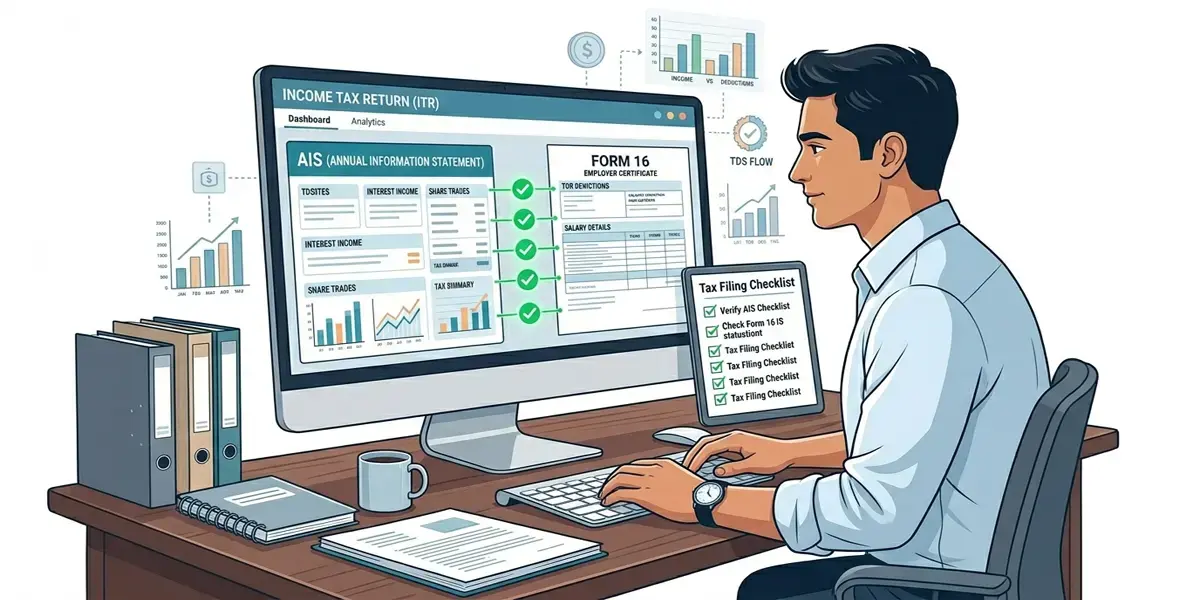
Follow this checklist in order:
Step 1: Download both documents
Get your Form 16 (Part A and Part B) from your employer. Download your AIS from incometax.gov.in → Services → Annual Information Statement.
Step 2: Compare the TDS amounts
Look at the TDS on salary in AIS vs the TDS shown in Form 16 Part A. These should match. If AIS shows less, your employer may not have deposited or filed their return yet — wait a few days and check again.
Step 3: Compare the gross salary
Check whether AIS shows a different salary figure. If your employer included a component (like perquisites) that you did not see in Form 16 Part B, ask your employer for clarification.
Step 4: Check for non-salary entries in AIS
Look for interest income, dividends, or capital gains entries. These will not appear in Form 16. You must include them in your ITR even if they seem small.
Step 5: Flag errors in AIS if needed
If AIS shows income that is factually wrong (wrong PAN linkage, duplicate entry, a transaction not yours), you can submit a feedback on the AIS portal. Select "Information is incorrect" and provide the correct details. The feedback appears on your AIS within a few days, and you can note it in your ITR filing.
Step 6: Contact your employer if TDS is missing
If TDS shown in Form 16 is higher than TDS shown in AIS (meaning your employer deducted but may not have deposited correctly), raise it with your employer's payroll or accounts team immediately. Filing with mismatched TDS without resolving this can lead to a demand notice.
Step 7: File based on reconciled figures
Do not simply copy either document. Use the higher of the two income figures, confirmed against reality. If Form 16 shows higher TDS than AIS/Form 26AS, do not simply accept the lower figure — ask your employer to file a TDS correction statement on TRACES. Under Section 205, the amount deducted from your salary is not re-payable by you; the non-deposit is the employer's default under Section 201.
Common Mistakes Salaried Employees Make
Ignoring AIS entirely and filing only from Form 16
This is the most common mistake. If your bank reported ₹12,000 in savings account interest to the tax department and you don't report it, the AIS already has that information. You will likely receive a notice.
Claiming TDS from Form 16 when AIS shows less
In practice, the CPC applies TDS credit based on amounts deposited and appearing in AIS/Form 26AS. If Form 16 shows more TDS than AIS, the gap is the employer's non-deposit — a default under Section 201. Your liability is discharged to the extent of deduction under Section 205; raise the shortfall with your employer to correct it on TRACES before filing.
Not checking AIS for a previous employer's TDS
If you changed jobs in FY 2025-26, your previous employer's TDS is in AIS but you may not have received their Form 16 on time. Always check AIS for the full picture.
Assuming AIS is always correct
Errors in AIS do happen — duplicate entries, wrong PAN linkages, transactions from a family member's account reported against yours. Do not blindly accept AIS figures without reviewing each entry.
Waiting until the last week of July
Reconciling AIS and Form 16 takes time, especially if you need to follow up with your employer. Start in the first week of July. The ITR deadline for AY 2026-27 is 31 July 2026.
If you have your Form 16 PDF and want a quick breakdown before you sit down to file, the Form 16 Analyzer on PaisaPilotAI can help you understand what your Form 16 actually says.
Upload your Form 16 Part A and Part B, and the tool extracts your gross salary, TDS deducted, net taxable income, and any deductions declared. It also runs a quick comparison between old and new regime outcomes so you can confirm whether your employer made the right regime choice for you.
This can be a useful starting point before you open the ITR portal — you will know your numbers before you begin.
You can also use the Salary Calculator to estimate what your in-hand salary should have been, which helps cross-check whether the gross salary in Form 16 looks right relative to your monthly take-home.
Frequently Asked Questions
Is AIS the same as Form 26AS?
No, but they overlap significantly. Form 26AS was the older TDS credit statement. AIS is a broader document introduced in 2021 that includes everything in Form 26AS plus more — savings account interest, dividend income, securities transactions, mutual fund activity, and more. The income tax portal still shows both, but AIS is the more complete source. For AY 2026-27 filings, check AIS as the primary reference.
What if my employer's Form 16 shows a wrong salary figure?
First, verify the figure against your salary slips for the full year. If Form 16 is indeed wrong, ask your employer to issue a revised Form 16. Filing with a known incorrect Form 16 figure — even a lower one — creates risk. The correct figure to report is your actual salary received, and you need the TDS to match what the government has on record.
Can I file my ITR without Form 16?
Yes, technically. If your employer has not issued Form 16 by July, you can file using your salary slips, AIS for TDS data, and your own calculations. However, if your employer's TDS return has errors, you may not be able to fully reconcile. It is better to wait for Form 16 or escalate with your employer.
If AIS shows higher income than Form 16, do I have to pay tax on the extra amount?
Only if the additional income in AIS is genuinely yours. If it is a bank interest entry you forgot about, yes — you should report it and pay any applicable tax. If it is an error (wrong PAN linkage, someone else's transaction), flag it in the AIS portal and explain in your ITR filing if needed.
Does AIS show my Section 80C deductions?
No. AIS shows income and tax deducted. It does not show deductions you declared to your employer or investments you made. Your declared 80C deductions appear in Form 16 Part B. If you made additional 80C investments that your employer was not aware of (because you made them after the declaration deadline), you can still claim them in your ITR directly.
What happens if I ignore a mismatch and file without reconciling?
The Income Tax Department's processing system (CPC) automatically cross-checks your ITR against AIS data. If your reported income is lower than what AIS shows, you will receive a notice asking for explanation or additional tax payment, plus interest under Sections 234A and 234B. Reconciling before filing is always cheaper than dealing with a notice after.
Final Thoughts
From ITR filing season: The most common AIS-Form 16 mismatch that CAs see is on savings account interest. Banks report interest to the Income Tax Department via AIS, but most salaried employees never tell their employer about it. Form 16 shows only salary income; AIS picks up the bank interest. Filing ITR without including bank interest is one of the most frequent reasons for an income tax notice.
From payroll teams: When an employee changes jobs mid-year, the new employer's Form 16 does not automatically know what the previous employer paid. Employees who do not share their earlier employer's Form 16 (Part B) with the new HR team end up with incorrect TDS across the year — the new employer applies standard deductions and slab rates without knowing the previous income. Always share Form 16 Part B from every employer if you switched jobs during the financial year.
AIS and Form 16 are not competitors — they are two different lenses on the same financial year.
Form 16 is your employer's record of what they paid you and what they deducted. AIS is the government's record of everything it knows about your finances. A complete and correct ITR filing uses both.
If they match, you file with confidence. If they don't, you spend an hour understanding why before you file — and that hour is well worth it.
The ITR deadline for AY 2026-27 is 31 July 2026. Start your reconciliation in the first week of July, not the last.
Tax rules in India can change with the Finance Act, CBDT circulars, and notifications. This article reflects our understanding as of FY 2025-26. Please verify all figures and rules at incometax.gov.in or with a qualified Chartered Accountant before filing your return.